

















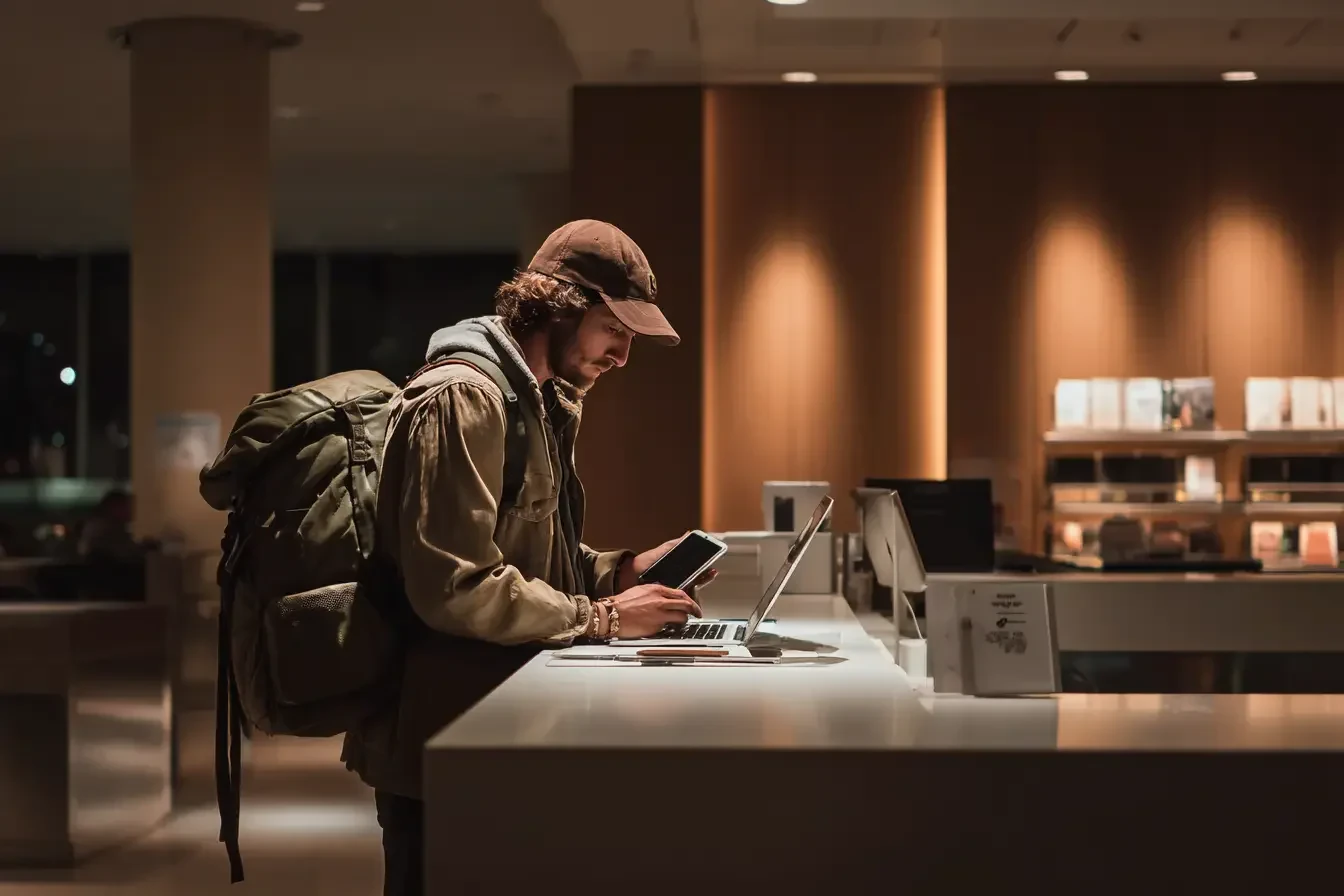
How to Secure Your Devices for Border Crossings in 2026: A Digital Nomad Guide
Hong Kong passed new device search laws in March 2026. A practical guide for digital nomads to secure laptops, phones and data before crossing borders.
How to Secure Your Devices for Border Crossings in 2026: A Digital Nomad Guide
Last month, Hong Kong quietly passed a law that should make every digital nomad pay attention. Under new amendments to the National Security Law, police can now demand passwords, encryption keys, and access to any electronic device during border crossings or security investigations. Refuse, and you could face up to a year in prison plus a HK$100,000 fine (~US$12,800). The US State Department has already issued a consular alert, warning travelers — including transit passengers — that this applies to anyone passing through.
This is not just a Hong Kong problem. Device searches at borders have been rising globally for years. The question is no longer whether your devices are at risk, but whether you have a plan before you reach the immigration counter.
If you travel with client work, sensitive files, or even just personal data you would rather not hand over, here is what you need to do before your next flight.

Why Device Security Matters More Than Ever in 2026
Digital nomads are not typical tourists. You carry your entire office on your back: laptops with client contracts, smartphones with banking apps, hard drives with project files. A border search is not an inconvenience for you — it is a professional liability.
In 2026, three trends have made this risk more acute:
- Expanding legal powers: Hong Kong's new rules follow a pattern. The US, UK, Australia, Canada, New Zealand, and several EU countries already allow border agents to inspect devices under broad national security or immigration frameworks. Hong Kong simply joined the club with unusually steep penalties for non-compliance.
- More nomads, more scrutiny: The digital nomad population has grown sharply. Border agents in nomad hotspots — Thailand, Vietnam, Mexico, Portugal — are increasingly familiar with the profile: a one-way ticket, a 90-day visa, and a laptop full of work. That can trigger secondary screening.
- Remote work = client data on your devices: Unlike leisure travelers, nomads often cannot simply factory-reset their laptop before a flight. Client NDAs, proprietary code, financial records, and medical data may be legally or ethically protected — yet border agents in many jurisdictions do not recognize those protections.
The good news: most border inspections are brief and random. The better news: a small amount of preparation dramatically reduces both your risk and your stress.
What Border Agents Can Actually Ask For
Laws vary by country, but here is the practical reality in the jurisdictions most relevant to nomads:
Hong Kong (new rules, March 2026): Police can demand device passwords, encryption keys, and access to cloud accounts in national security investigations. Refusal carries criminal penalties. The US State Department explicitly warns that transit passengers are not exempt.
United States: Border agents at CBP can inspect devices without a warrant under the "border search exception." They can ask for passwords, request you unlock your phone, and make copies of data. Refusal can result in device seizure or denial of entry (for non-citizens). There is no right to an attorney during the inspection itself.
United Kingdom: Schedule 7 of the Terrorism Act 2000 allows police to stop, question, and search travelers at ports and airports. You can be required to unlock devices. Refusal is a criminal offense with up to three months imprisonment.
Australia and New Zealand: Both allow device searches at customs and immigration. In Australia, refusing to provide a password can result in a fine of up to AU$5,000. New Zealand's Customs and Excise Act 2018 includes similar powers.
Schengen Area: Rules vary by country, but Germany, France, Netherlands, and others permit device inspections under immigration and security laws. With the EES biometric system now live, entry procedures are already more rigorous at Schengen airports.
China, UAE, Singapore: All three have broad device inspection powers. The UAE in particular has been known to examine phones and laptops for content that violates local decency or security laws.
The takeaway: if you are crossing a border, assume your devices could be inspected. Plan accordingly.
The Clean Device Strategy: What to Do Before You Fly
The single most effective approach is also the simplest: do not carry sensitive data across a border unless you absolutely need it.
1. Use a travel-only device
If your work allows it, travel with a secondary laptop or tablet that contains only what you need for the trip. This is the approach many journalists, lawyers, and security professionals use. It is not practical for every nomad, but if you work with highly sensitive client data, it is worth the investment.
2. Move data to the cloud — then wipe local copies
Upload current projects to a secure cloud service (ideally with zero-knowledge encryption, such as Tresorit, Sync.com, or Proton Drive). Then remove those files from your local device before you travel. Re-download them after you clear immigration.
3. Sign out of personal accounts
Before you land, sign out of email, social media, banking, and messaging apps. Use app lock features or biometric-only access if you must keep something installed. The less visible personal data on your screen, the faster a casual inspection ends.
4. Disable biometric unlock before landing
In the US and several other countries, courts have ruled that you can be compelled to use your fingerprint or face to unlock a device, but that you cannot be compelled to reveal a passcode. Switch to a strong alphanumeric passcode before you travel, and power down your devices before reaching the checkpoint. A powered-off device typically requires the passcode on first unlock.
5. Use a password manager with a travel mode
1Password and Bitwarden both offer "travel mode" features that remove sensitive vaults from your devices and restore them after you arrive. This is a lightweight, highly effective layer of protection.
Encryption, Backups, and Passwords: The Technical Basics
You do not need to be a security engineer to protect your devices. You need three things:
Full-disk encryption
Enable BitLocker (Windows) or FileVault (Mac) on your laptop. Encrypt your phone. This protects your data if a device is lost, stolen, or held at a border for extended examination. It also signals that you take data protection seriously — which matters if you ever need to explain client confidentiality.
A strong, unique passcode
Six-digit PINs are too short. Use an alphanumeric passcode with at least 10 characters. Yes, it is slightly slower. It is also far harder to crack.
Off-device backups
Before you travel, run a full backup to an external drive you leave at home, or to a secure cloud service. If your device is seized, you can continue working from a replacement without losing weeks of work.
Separate admin and user accounts
On your laptop, create a standard user account for daily work and keep the admin account password-protected. If you are asked to unlock your device, you can unlock the user account without exposing the full system.
Country-Specific Rules You Need to Know
Beyond the legal powers above, here are practical updates from the past month that affect nomad travel:
Vietnam: A new mandatory digital pre-arrival form is now required at Ho Chi Minh City's Tan Son Nhat Airport. It is separate from your visa, and missing it means longer queues. Read our full Vietnam digital arrival form guide for step-by-step instructions.
Schengen: With the EES biometric entry system now active, non-EU travelers face fingerprint and photo capture at entry. Combined with device inspection powers in several member states, entry is more thorough than before.
Mexico: While not as aggressive as some jurisdictions, Mexican customs can inspect electronics. If you are heading to San José del Cabo or Mexico City, keep your devices clean and your paperwork in order.
Dubai and the UAE: The UAE has strict content laws. VPNs, encrypted messaging, and certain types of content can trigger scrutiny. Be particularly careful if you work in media, journalism, or activism.
What to Do If You're Stopped at the Border
If an agent asks to inspect your device, here is how to handle it:
Stay calm and polite. Border agents have broad discretion. Arguing, refusing outright, or becoming defensive rarely helps and often makes things worse.
Ask questions. You can ask whether the inspection is mandatory, what law authorizes it, and whether you are free to leave. In some jurisdictions (the US, for example), you can refuse a device search, though for non-citizens that may mean being denied entry.
Do not volunteer information. Answer directly, but do not elaborate. If asked what is on your device, a simple "work files and personal photos" is sufficient.
Know your employer or client's policy. If you carry proprietary data, your employer may have a policy about border searches. Some organizations provide letters or legal guidance you can show an agent. Know this before you travel.
Document the interaction. If a device is seized, ask for a receipt and contact information for the office handling your case. This is critical for follow-up and potential legal action.
The Bottom Line
Device security at borders is no longer a niche concern for spies and journalists. It is a practical reality for anyone who works remotely and crosses international borders regularly — which is to say, most digital nomads.
The Hong Kong law is a headline, but the underlying trend is global. The nomads who adapt will be the ones who build a simple, repeatable routine: cloud-first storage, encrypted devices, strong passcodes, and a travel mindset that treats border crossings as a checkpoint to prepare for, not just a queue to wait in.
If you are planning a multi-stop itinerary this year — especially one that routes you through Hong Kong, the US, or the Schengen Area — take an hour before your next departure to implement the steps above. It is the easiest professional insurance you will ever buy.
Planning a longer stay? One of the best ways to reduce border friction is to slow down. Our guide to why 2026 is the year of slow travel explains how staying longer in one place cuts costs, simplifies logistics, and reduces the number of border crossings you face altogether.